

Travel together.
Settle smarter.
Track, split, and settle group travel expenses the easy way. Just say what you spent. TripMath does the math.
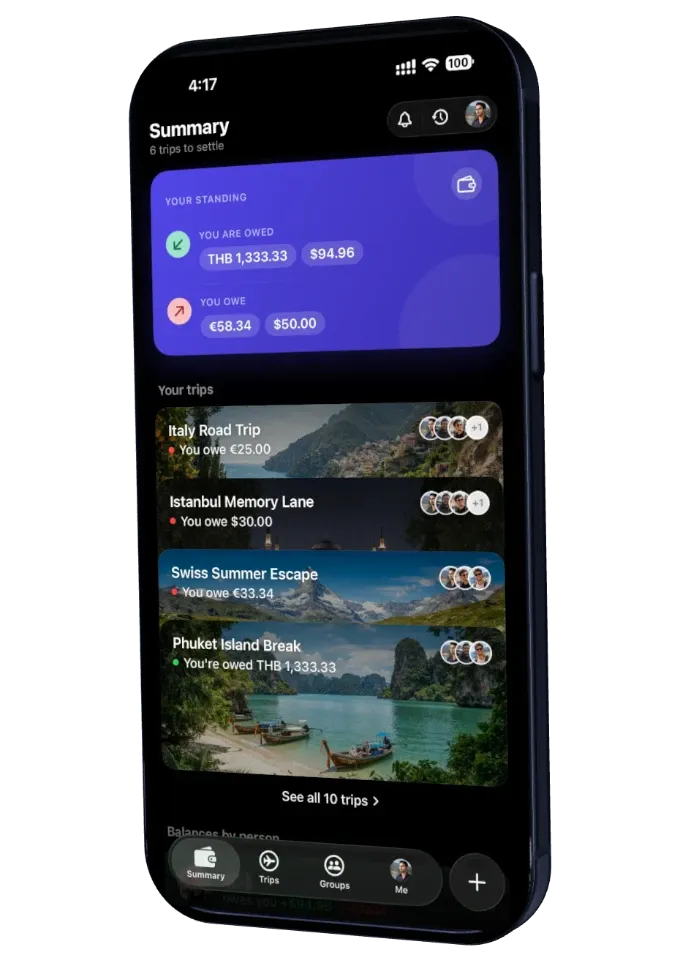
Type it the way you'd say it.
No forms. No fields. Write “Hotel $120, paid by Jack” and TripMath reads the amount, the payer, the category and the split before you hit send.
- Auto CategorisedFood, lodging, transport, sorted as you type.
- Auto AssignName the payer. TripMath credits them.
- Auto SplitingEqual, exact, percent, or shares. Down to the cent.
- Any Currency70+ currencies by name, 90+ by code

Split it any way that's fair.
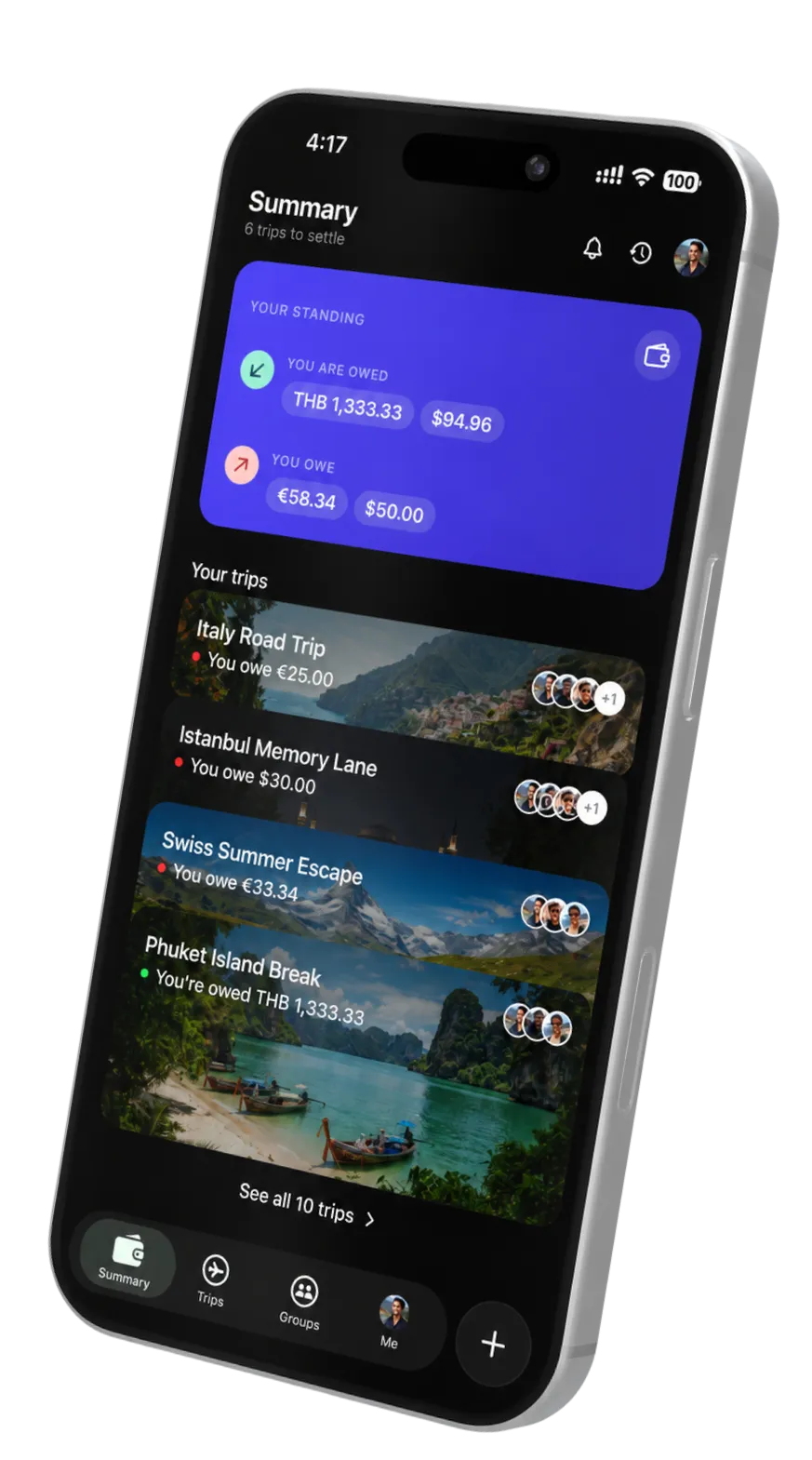
Not everything splits evenly. Choose how each expense divides and the balances always sum to the cent.
- Four Split TypesEqual, exact, percent, or shares.
- No Stray PenniesLargest-remainder rounding, down to the cent.
- Change It LaterEdit the split without redoing the math.
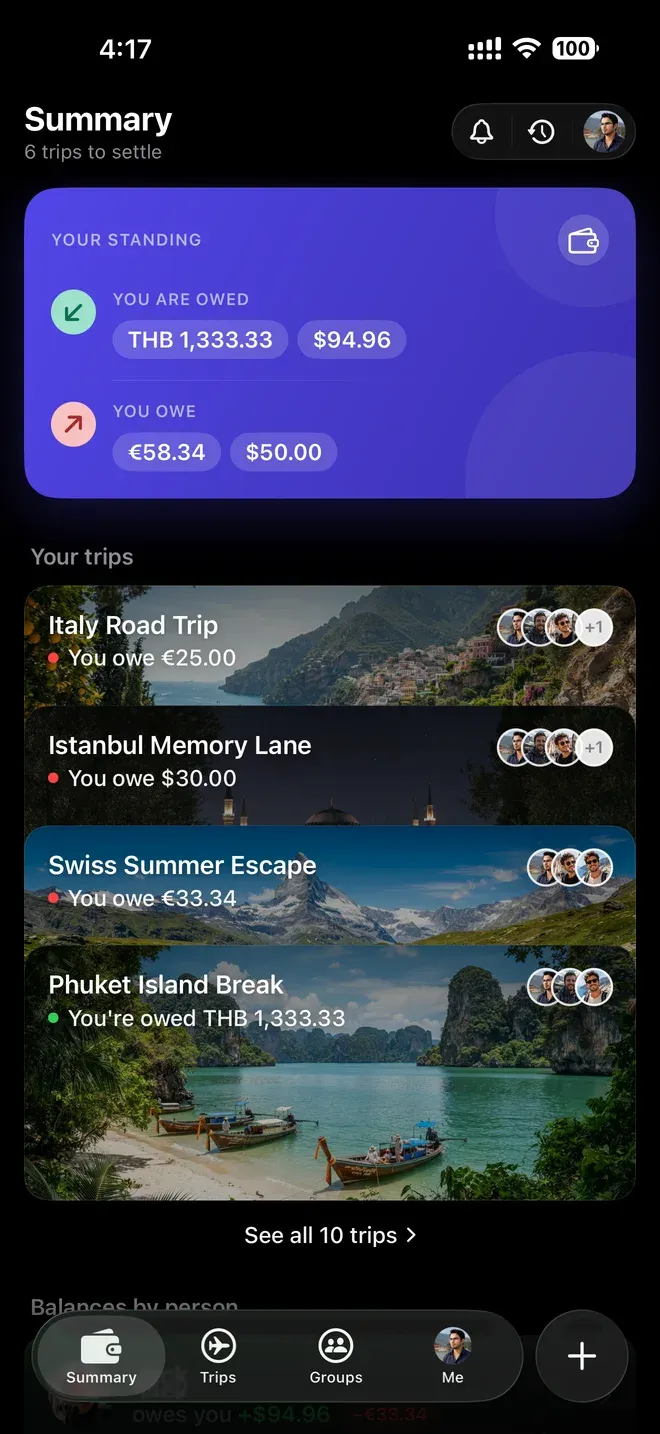
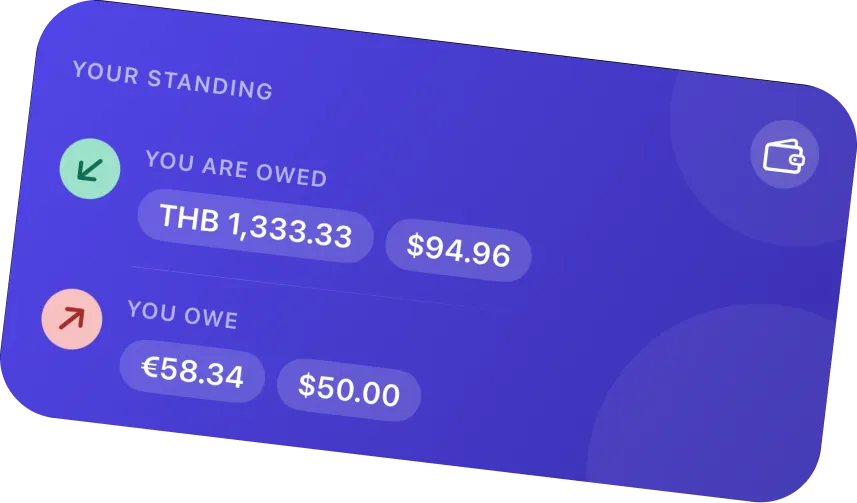
One trip, many currencies.
Enter an expense in whatever you actually paid. TripMath converts it to the trip currency at a live rate and locks it in.
- Any CurrencySpend in any of 150+ currencies.
- Locked-In RatesThe rate holds at entry, so edits stay stable.
- Separate BalancesKept per currency, so they never net wrong.
Snap the receipt, skip the typing.
Point your camera at a receipt and the details fill themselves in. The photo stays attached as proof.
- Free On-Device ScanRuns right on your iPhone, at no cost.
- AI Scan With PassHandles the messy, faded, crumpled ones.
- Stored PrivatelyEvery receipt stays attached to your account.
Travel with the same people? Keep the crew.
Make a group once, then spin up trip after trip from the same roster, and carry a standing balance across all of them.
- Reusable CrewsMake the group once, use it every getaway.
- Running BalanceOne standing total across all the crew's trips.
- Invite In SecondsShare a link, QR code, or email.
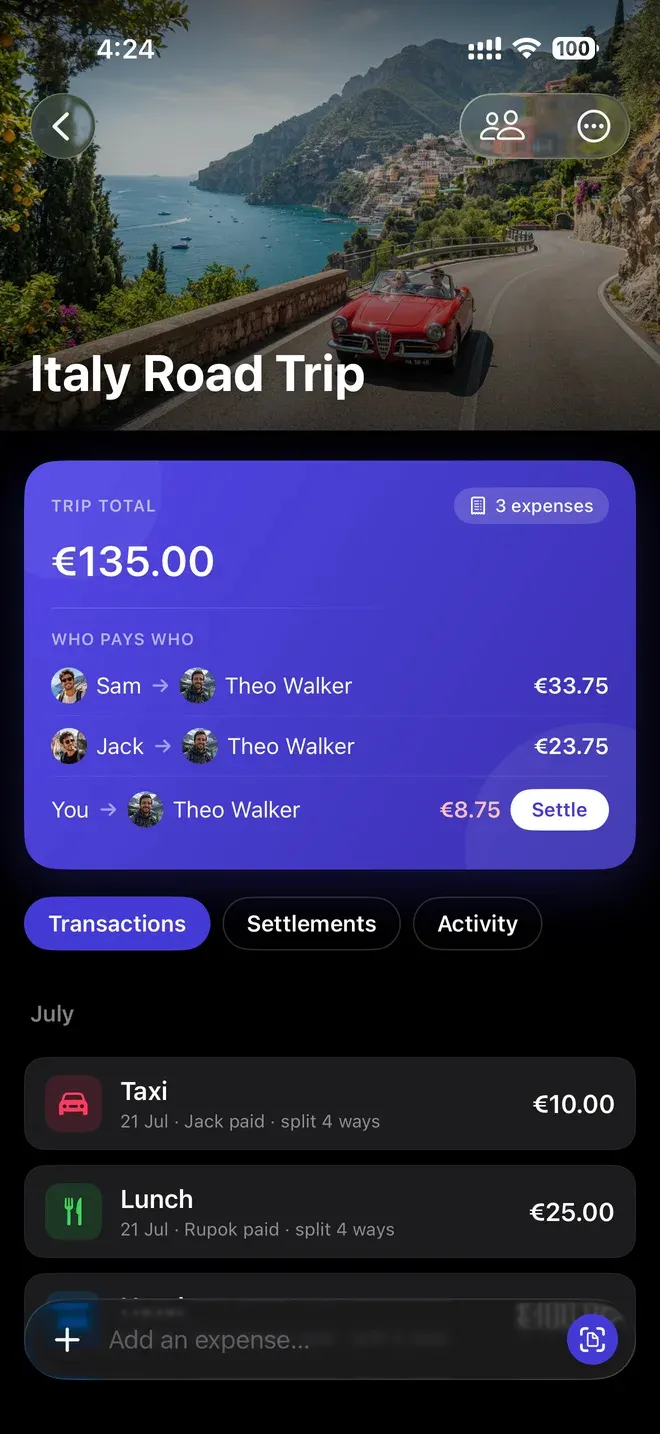
See who owes whom, then close the loop.
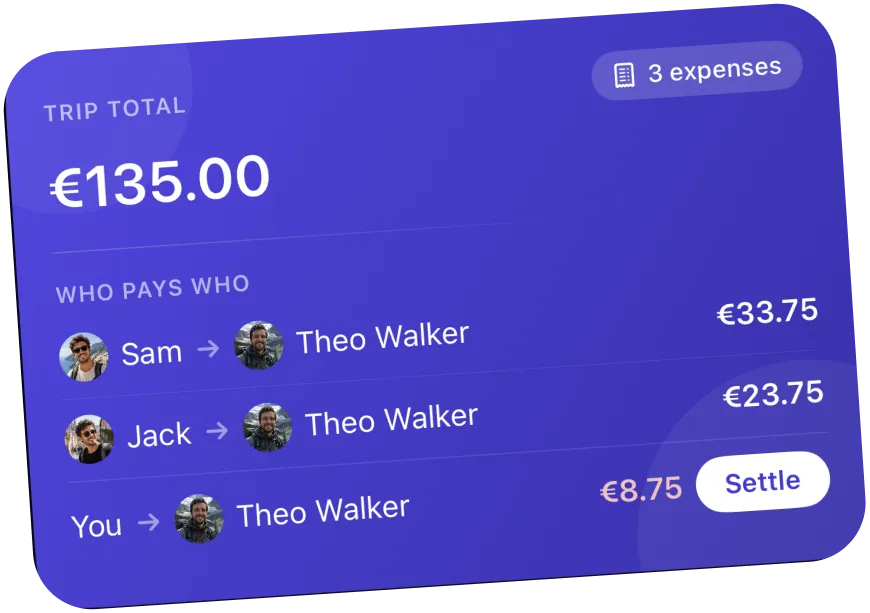
TripMath tells you exactly who pays who. Nudge someone to settle, or record how you paid so a settle-up actually sticks.
- Who Pays WhoA clear list, kept separate per currency.
- One Nudge, Not TenA single reminder per debt. Never spam.
- Note How You PaidVenmo, bank, PayPal, or cash.
One Pass. Whole trip covered.
The organizer subscribes, and every member gets premium features inside that trip. Nobody else pays a cent.
- Up to 3 ongoing trips (settled trips are unlimited)
- Unlimited expenses, never throttled
- All four split types + currency conversion
- Balances & settlement suggestions
- Free on-device receipt scanning
- No ads
- Unlimited ongoing trips you create
- Premium features for everyone in your trips
- AI receipt scanning for messy receipts
- No ads, no expense caps
- Priority support
Pass also includes trip insights, charts, PDF/CSV export & optimized settlement. Fair-use monthly limits apply to AI features.
Start TripMath PassAnd the details that make it feel effortless.
From landing to settled up in four steps.
- Create a tripName it, pick a currency, add a cover photo.
- Invite the crewShare a link, QR code, or email invite.
- Say what happenedType expenses as they occur, and we split them.
- Settle upFollow the suggestions and mark debts paid.